
White Label Configuration Using Cloudflare
The following manual helps you configure your Whitelabel portal and enable free SSL provided by Cloudflare.
1. Open your Cloudflare account https://www.cloudflare.com/
2. Add and configure a website that will be used as your Whitelabel portal. For this example, we will use wifihotspot.io
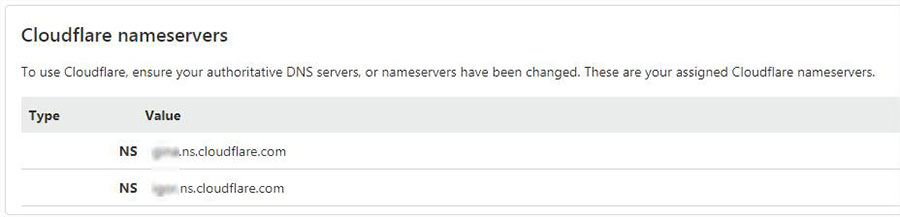
3. Cloudflare will give you nameservers to update in registar where you purchased your domain, for example:
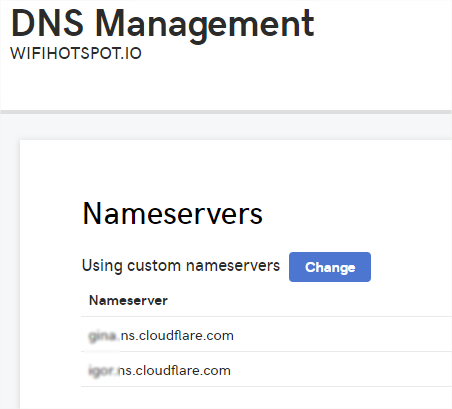
Here is an example of nameservers setup in GoDaddy registrar:
4. Once updated, all your traffic will go through Cloudflare.
5. Configure DNS records as on image.
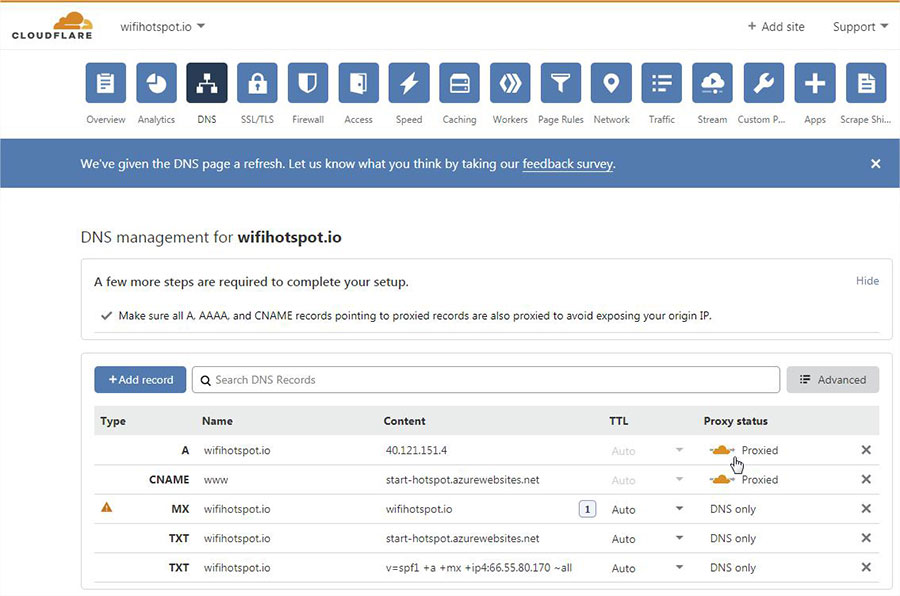
Make sure that A record for the .domain is redirected to 40.117.190.72 and Proxied (important). Set the portal DNS record to Proxied so that web traffic is routed through Cloudflare and the Cloudflare SSL/TLS certificate can be presented to visitors.
6. SSL (Secure Socket Layer) is the standard security technology for establishing an encrypted link between a web server and a browser. This secure link ensures that all data transferred remains private. Millions of websites use SSL encryption every day to secure connections and keep their customer’s data safe from monitoring and tampering.
Configure the rest of the settings in SSL tab.
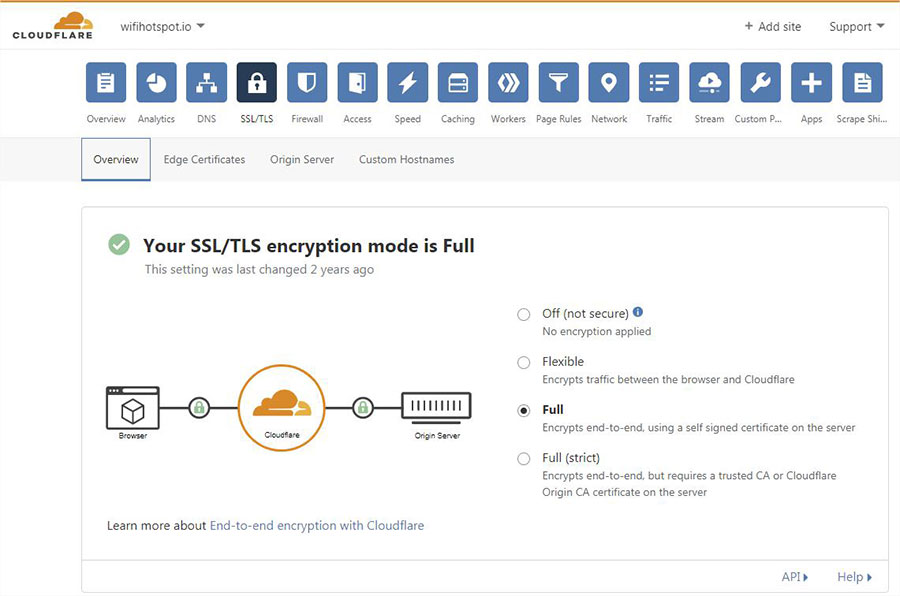
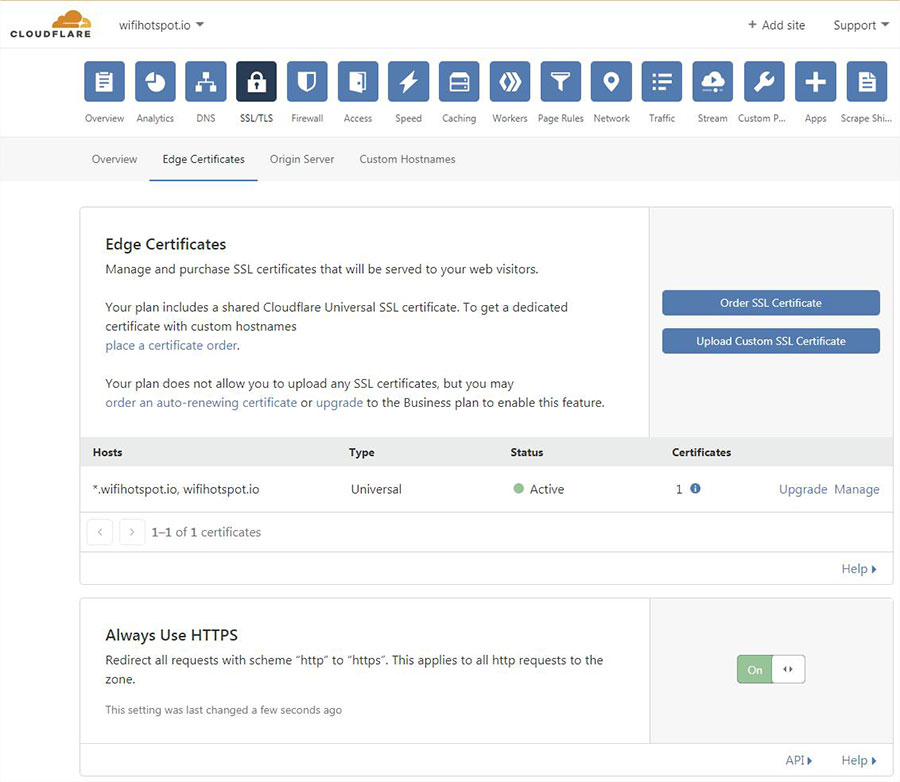
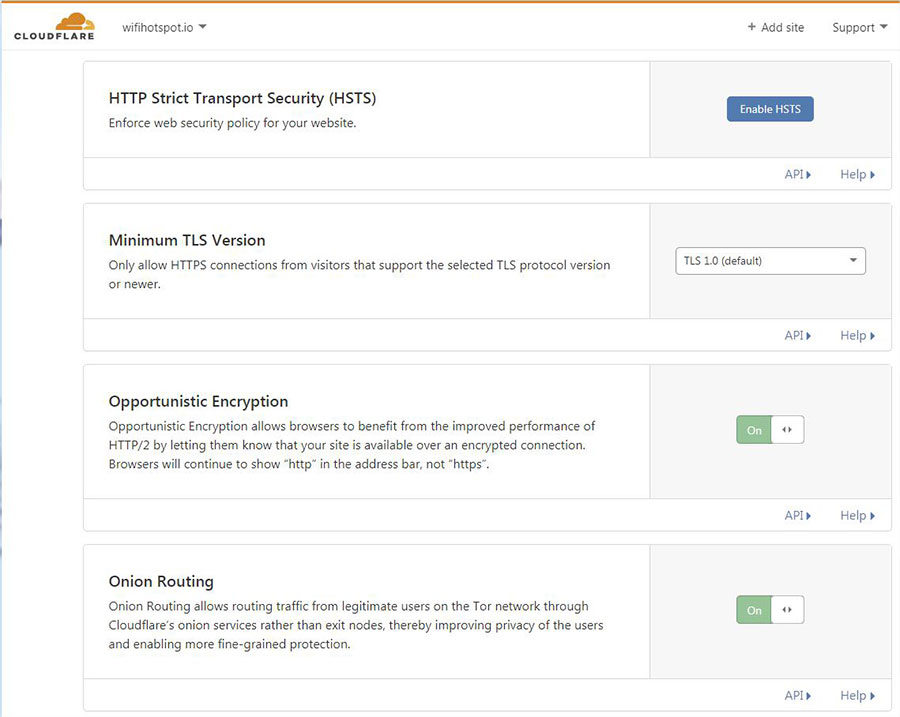
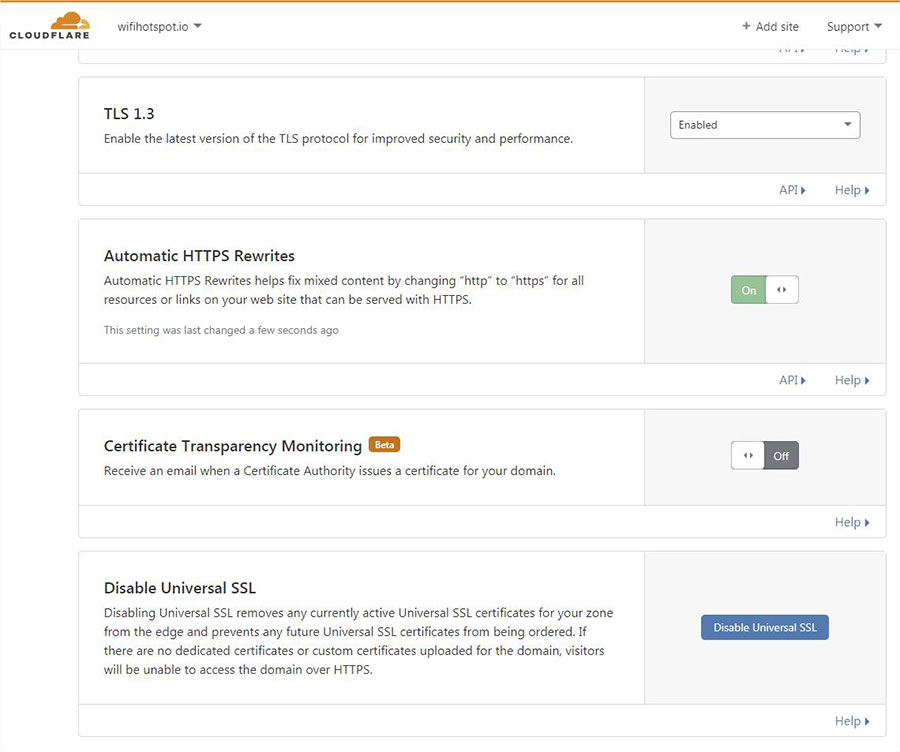
7. You can refresh your browser and get your domain secured with a Universal SSL certificate provided by Cloudflare.
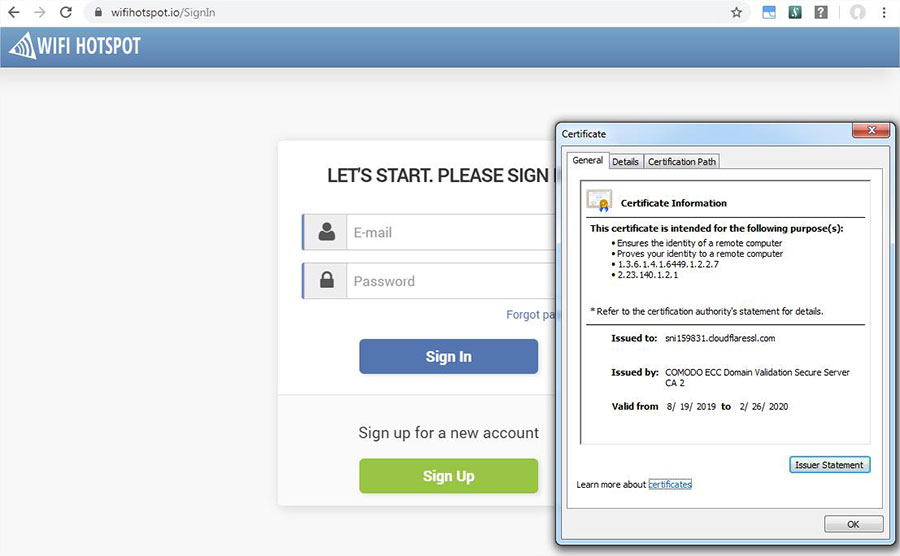
Nameserver changes may take some time to propagate. For some registrars, activation can take up to 24 hours.
You can verify that the DNS propagation is working as expected by using
http://digwebinterface.com
Whitelist
Users with White Label solution will need to add the following domains in the AP/ router whitelist:
White Label deployments require additional domains and services to be available before authentication.
Use the current White Label whitelist provided on the central Whitelist page and add the required entries to your router, access point, or controller.
Always use the current whitelist rather than copying older domain or IP lists from previous configurations.
yourportaldomain.com ( like connect.wifihotspot.io)
yourwewebsite.com ( like wifihotspot.io)
cdnhotspot.azureedge.net
wifihotspot.io
app.antamedia.com
app.antamedia.net
*t-msedge.net
13.92.228.228
109.245.64.94